
A better fit.
Square, portrait, landscape, or custom. Crop to focus on the product, or add padding to keep the full picture.
Resize, compress, and organize your product images in bulk. A polished Shopify catalog, without editing every photo by hand.
Start with 100 free image credits. Work right inside Shopify.
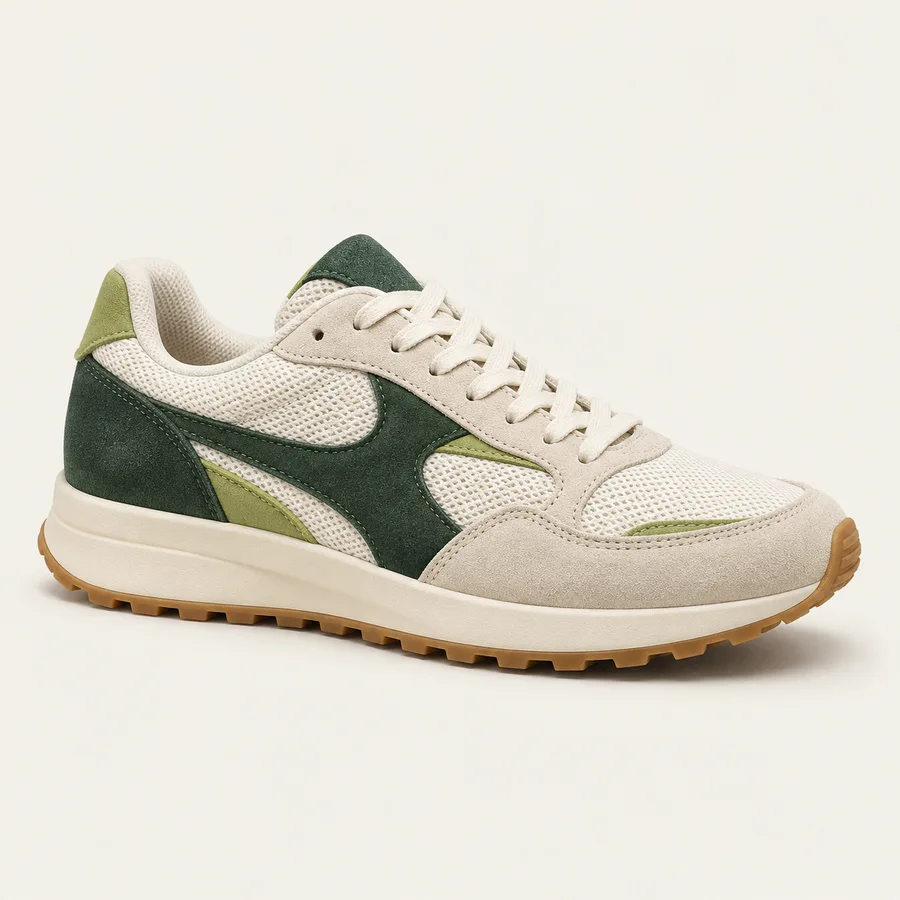
Illustrative crop preview. No store images are changed.
From the collection grid to the product detail, give your catalog a considered, consistent look.
Square, portrait, landscape, or custom. Crop to focus on the product, or add padding to keep the full picture.
Balance file size and visual quality with compression. Review the details before you apply changes.
Update alt text and filenames with bulk templates. Make image details more useful and easier to manage.
Set your direction once. Let the task handle the repetitive work in the background.
Open your image library in Shopify. Select individual images or use filters to work on a relevant group.
Choose the shape, fitting method, compression, and metadata options. Check the preview before you launch.
Start the task and monitor progress. Review the results, see image-level issues, and restore eligible originals.
Try a new shape. Refine your compression. If the result isn’t right, restore eligible originals from your tasks for up to 30 days.
Get to know the details ↗Explore with free credits. Choose more capacity when your image library needs it.
A first look at a better catalog.
$0.02 per extra image
$0.01 per extra image
$0.005 per extra image
Prices are in USD. Paid recurring and usage charges are billed every 30 days. The free credits are a one-time allocation. Pricing checked October 11, 2026; confirm current plans and billing terms on Shopify.
Choose an aspect ratio that works for your products, your collection grid, and your theme.
Read the guide 02 / File size & qualityA practical approach to image compression, visual quality, and checking the result on your storefront.
Read the guide 03 / Accessibility & discoveryMake alt text and filenames descriptive, relevant, and consistent across a growing catalog.
Read the guideNeed a hand with your store?
Find the right support route ↗
Yes. The free plan includes 100 one-time image credits. You can explore the workflow before choosing a paid plan. Check the Shopify App Store listing for current billing details.
You can resize, crop or add padding, apply compression, and use templates for alt text and filenames. Select the options you need and review the preview before starting the task.
Originals are available for restoration for up to 30 days after processing. Use the Tasks page to review the task and restore eligible images within that window. Keep your own original files for long-term archiving.
Processing runs in the background. Time depends on the number and size of images, the queue, and Shopify’s API limits. Follow the progress and any image-specific errors on the Tasks page.
No single image tool can guarantee those outcomes. Consistent dimensions, carefully chosen compression, and useful image descriptions can support a better storefront. Your theme, scripts, page content, and image delivery also matter.
Open Help in Resize Pro or use the support options on the Shopify App Store listing. Include your store domain, task number, and a description of the issue. Never send your password or access tokens.
Bring your next catalog cleanup into one simple workflow.
Start with 100 free credits